Solar Layout
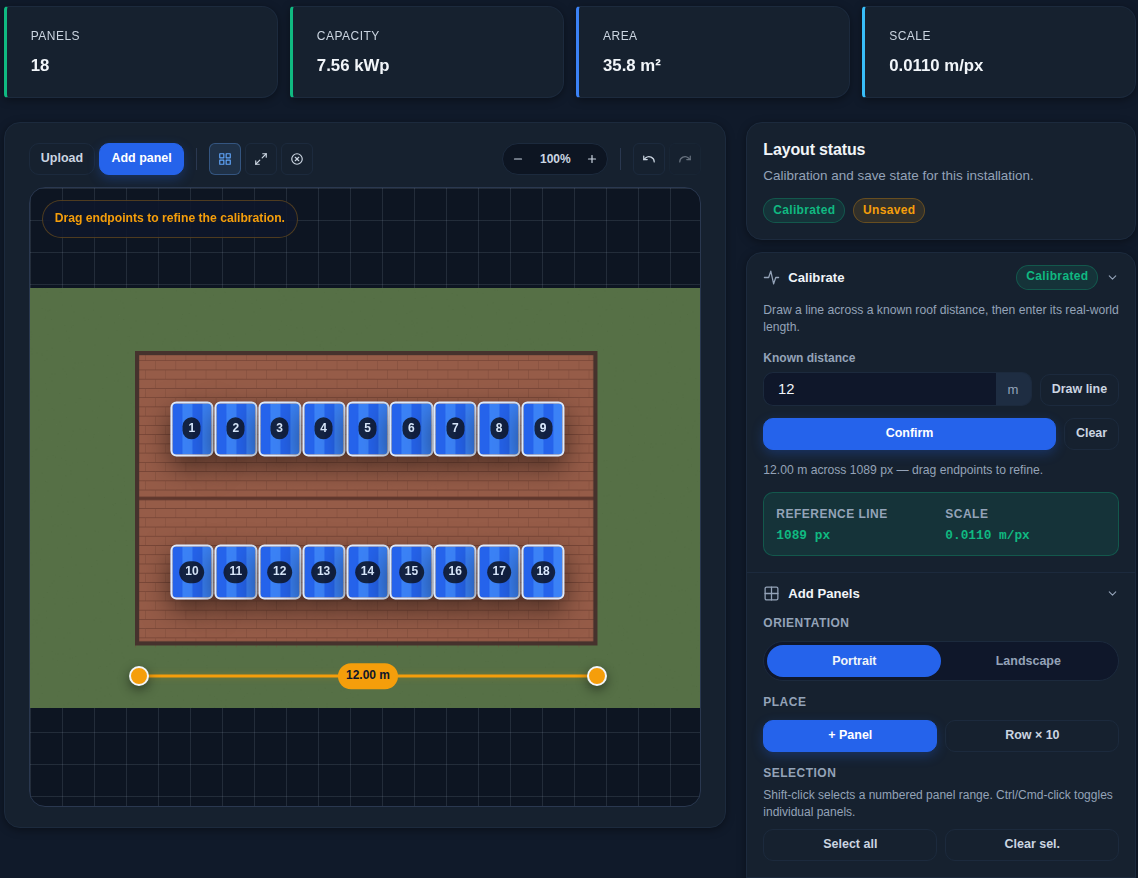
Inverter data tells you that something is wrong; the Solar Layout page shows where. You draw your plant on a roof photo, wire the panels into strings, and SEMS links each string to the inverter input that measures it.
Drawing the roof
Upload a roof or drone photo and set the scale by drawing a line of known length. Then fill an outlined area with panels or place them one by one, with adjustable tilt, azimuth, orientation, gaps, and expected shading and soiling losses per area.
Strings
Create a string, choose its inverter input, and click the panels in wiring order; the path is drawn on the layout. You can also note module optimizers and how they control string voltage.
SEMS compares the expected string voltage with the measured one, and a large deviation raises an alarm on the Events page that links to the string on the roof.
Comparing inputs
Without any layout, SEMS compares each inverter input with its neighbours over the last three days. One that keeps falling behind points to shading, soiling, a faulty panel or a bad connector. This needs inverters that report each input.
Solar performance
SEMS learns your plant's performance for the solar forecast. A fixed performance ratio is only for plants whose production SEMS can't measure.